
Category - add assets in your template
Akeneo allows you to manage templates for your category trees.
In these templates, it is possible to manage a collection of assets. You can also manage text fields where you can handle an image URL (previous version of Akeneo's templates).
Asset collection in the template
This feature is available in the job: Bynder x Akeneo - Bynder medias to Akeneo assets - With Category binding (Bynder Akeneo Connector)
This process occurs in two phases:
- Create the assets in the asset family. The process is identical to handling products. More information: Bynder to Akeneo
- Link the assets to the category.
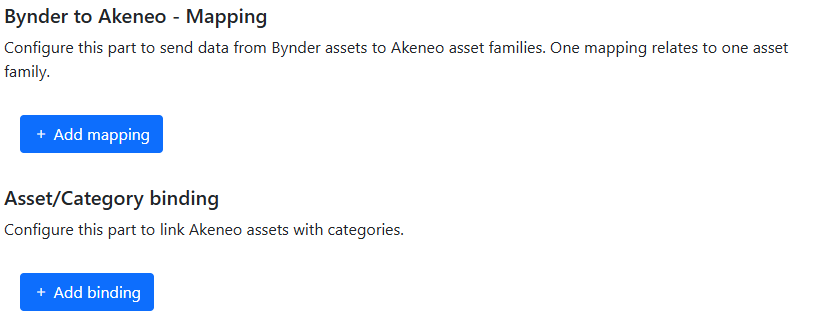
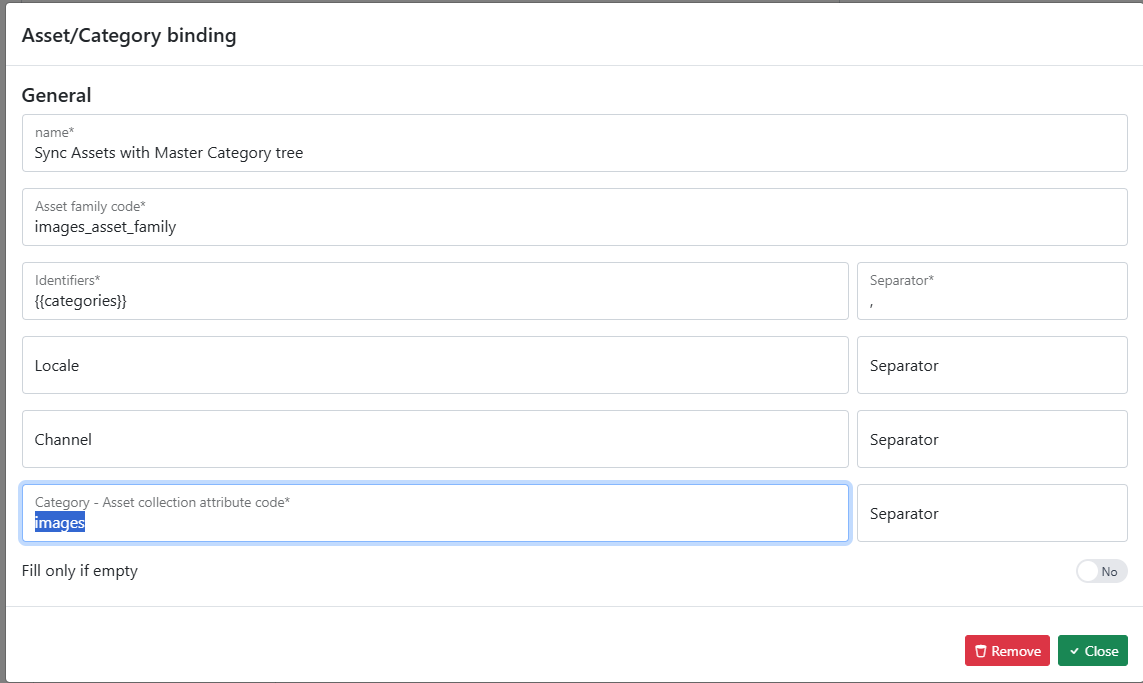
For the second part, you need to configure the following fields:
- A label
- The asset family containing the assets
- The code of the category (in our case, we use a meta property for dynamic mapping)
- The attribute code of your category template that corresponds to the asset collection.
Text field in the template
To use this feature, you must ask for the job: Bynder x Akeneo - Bynder medias to Akeneo categories (Bynder Akeneo Connector)
A limitation in Akeneo prevents the connector from knowing the template used by your category trees. If you want to send a URL in a field of your category tree, you need to follow these steps:
- Specify the code of the Bynder meta property that contains the category code.

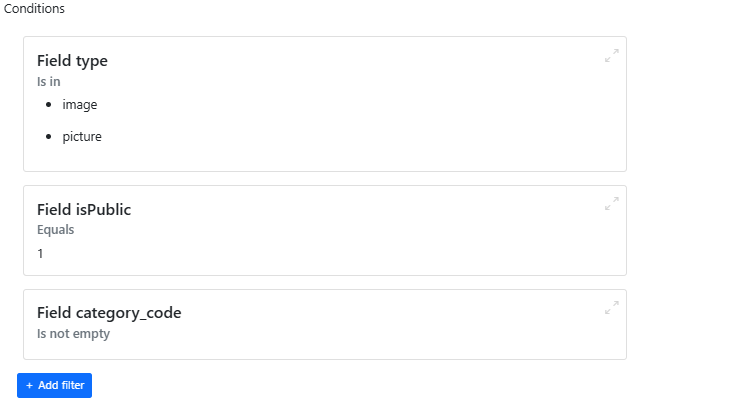
- Specify any conditions/filters to select only the assets corresponding to categories.
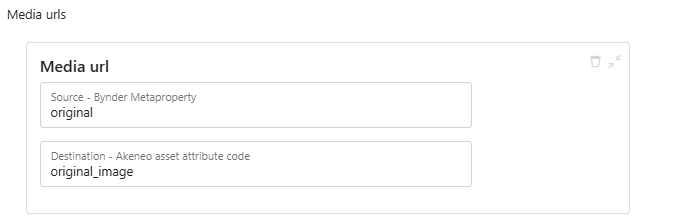
- Specify the mappings for the URLs: Bynder Derivative -> attribute code in your Akeneo template.